A writing app for the Mac

Sit down. Set a goal.
Write until it's done.

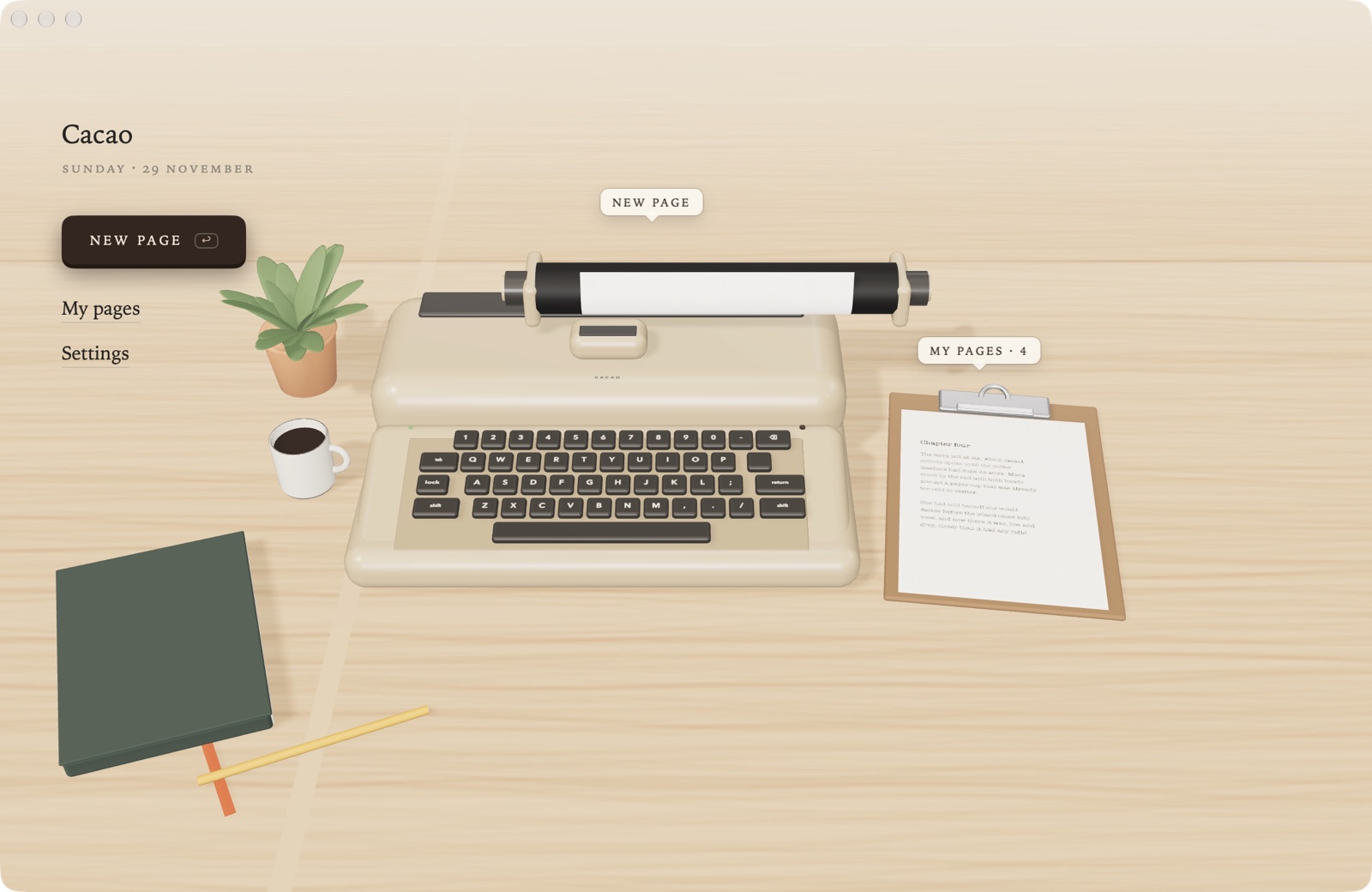
Cacao is a quiet desk with a typewriter on it. Pick a goal in minutes or words, and your Mac locks into the page until you reach it: no Dock, no ⌘Tab, no tabs. Everything you write is kept, page by page, in your notebook.

Download for Mac — free macOS 14 Sonoma or later · Apple silicon and Intel · no account, no ads Cacao's home: a desk with a cream typewriter, a clipboard with your latest pages, a plant, a mug and a notebook
Typewriter mode

A real typewriter on your desk

Every key dips as you type and each letter strikes the paper. Return glides the carriage back, the bell rings near the margin, and a full sheet feeds out to make room for the next. Prefer a plain page? Turn it off.
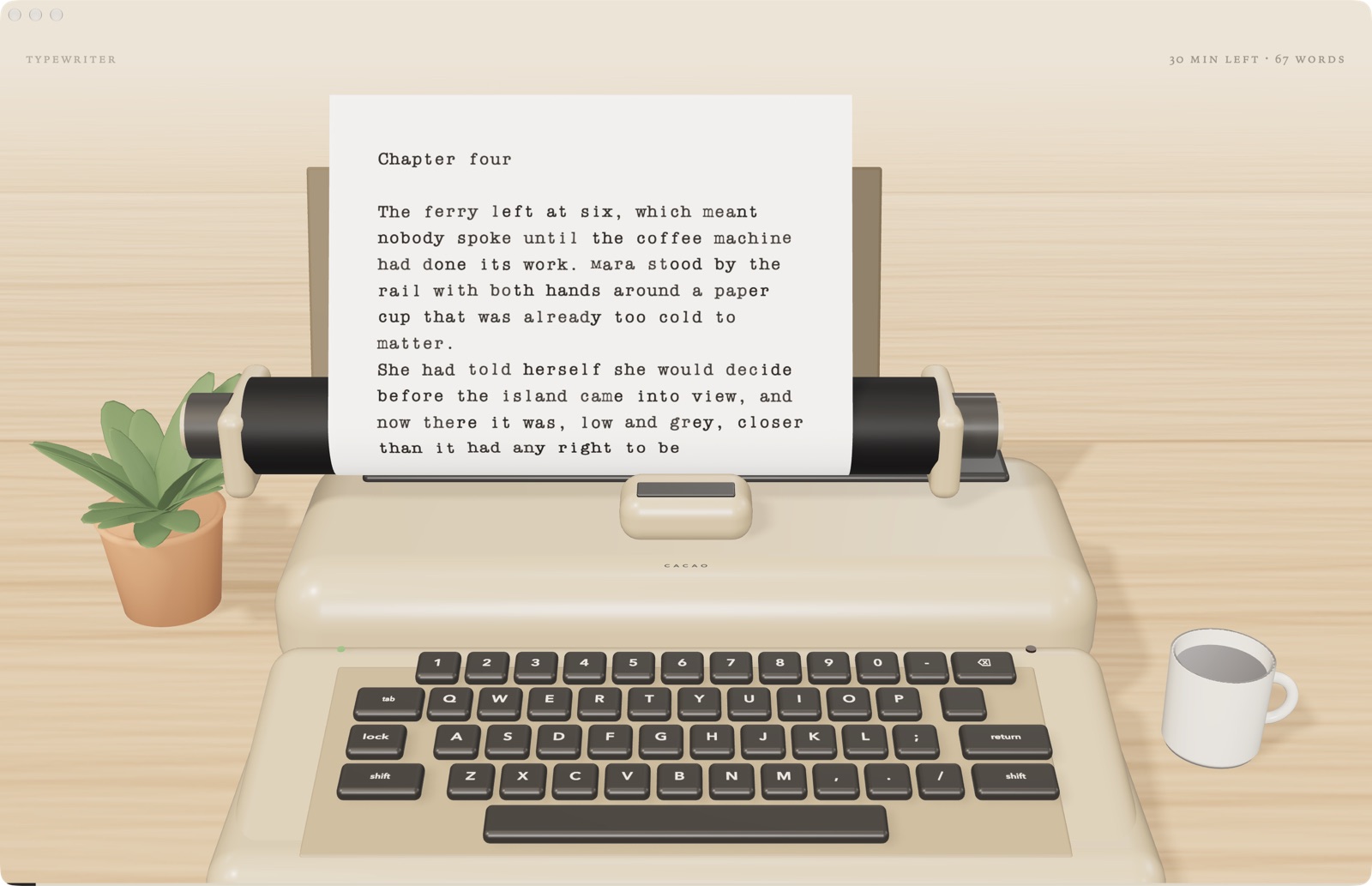
Typewriter mode: a 3D typewriter with the words you typed on its sheet
The writing session

The page, and nothing else

Set a goal of 25 minutes or 500 words and press Start writing ↩. The Dock and menu bar go away, other displays are covered in paper, and the page stays until you reach your goal and press Finish. Add rain, fire or the ocean if you like, and switch on No going back to keep moving forward.

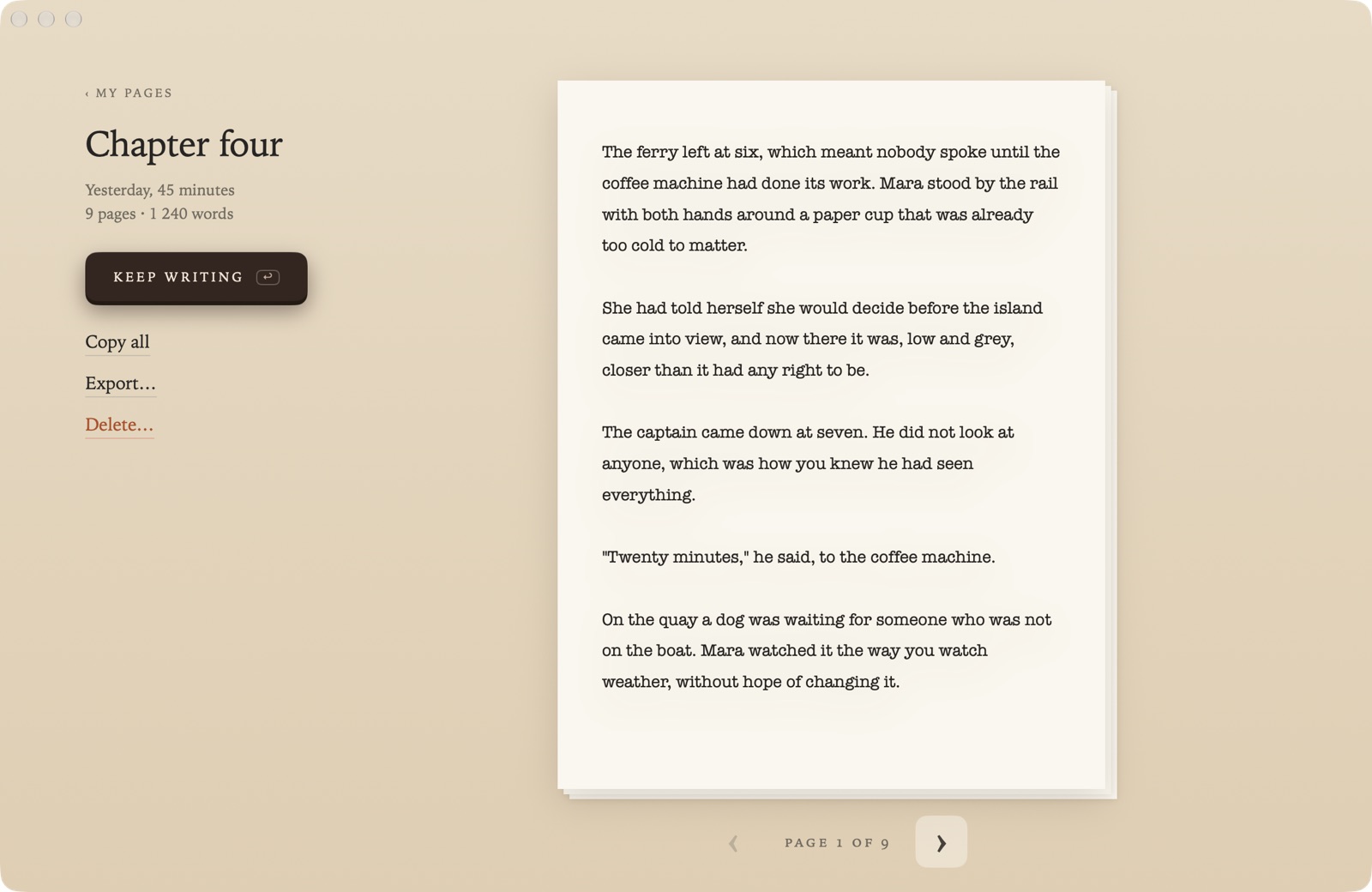
A finished writing session shown as typed pages on a stack, with Keep writing, Copy all and Export
My pages

A notebook of everything you've written

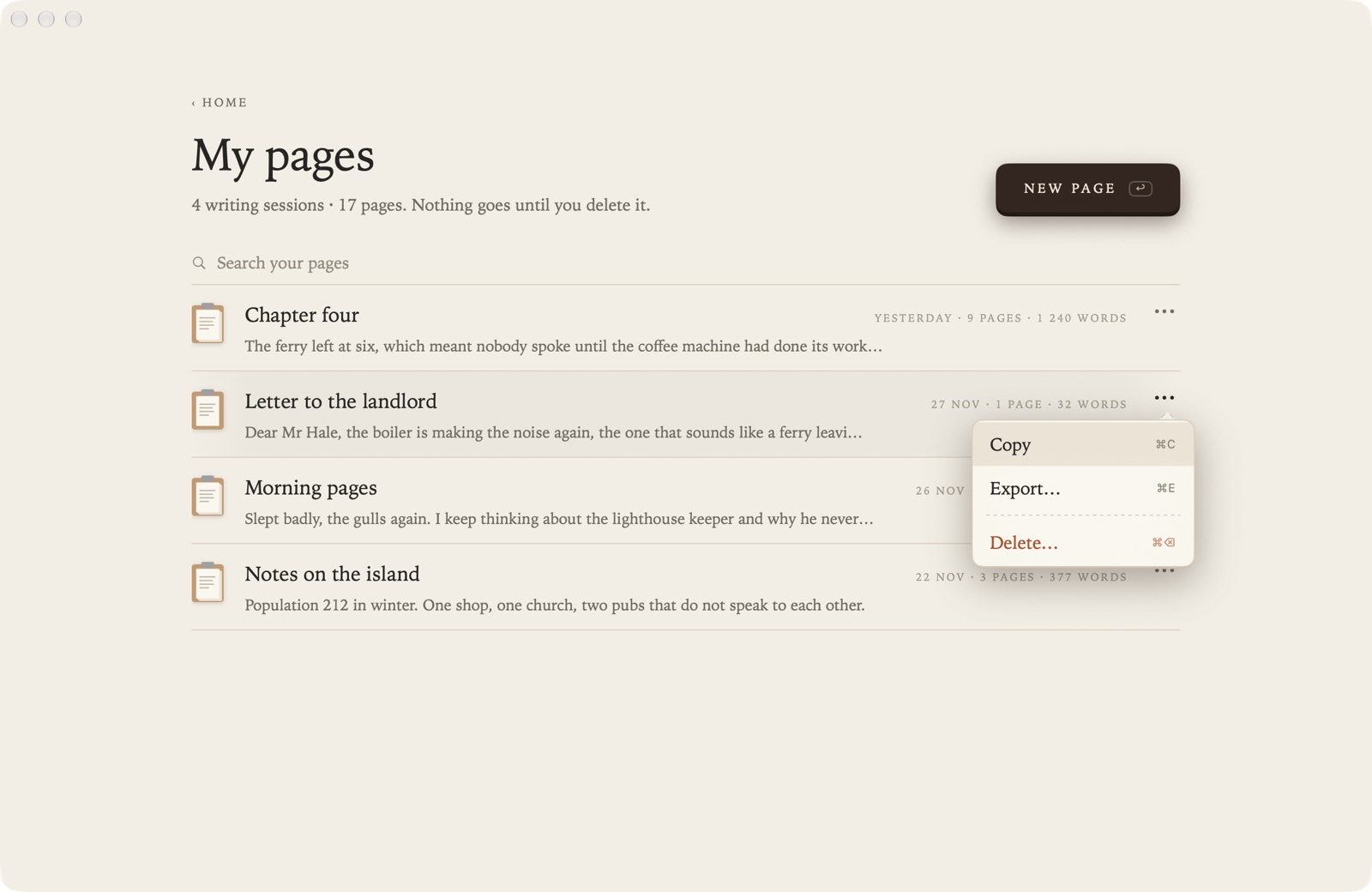
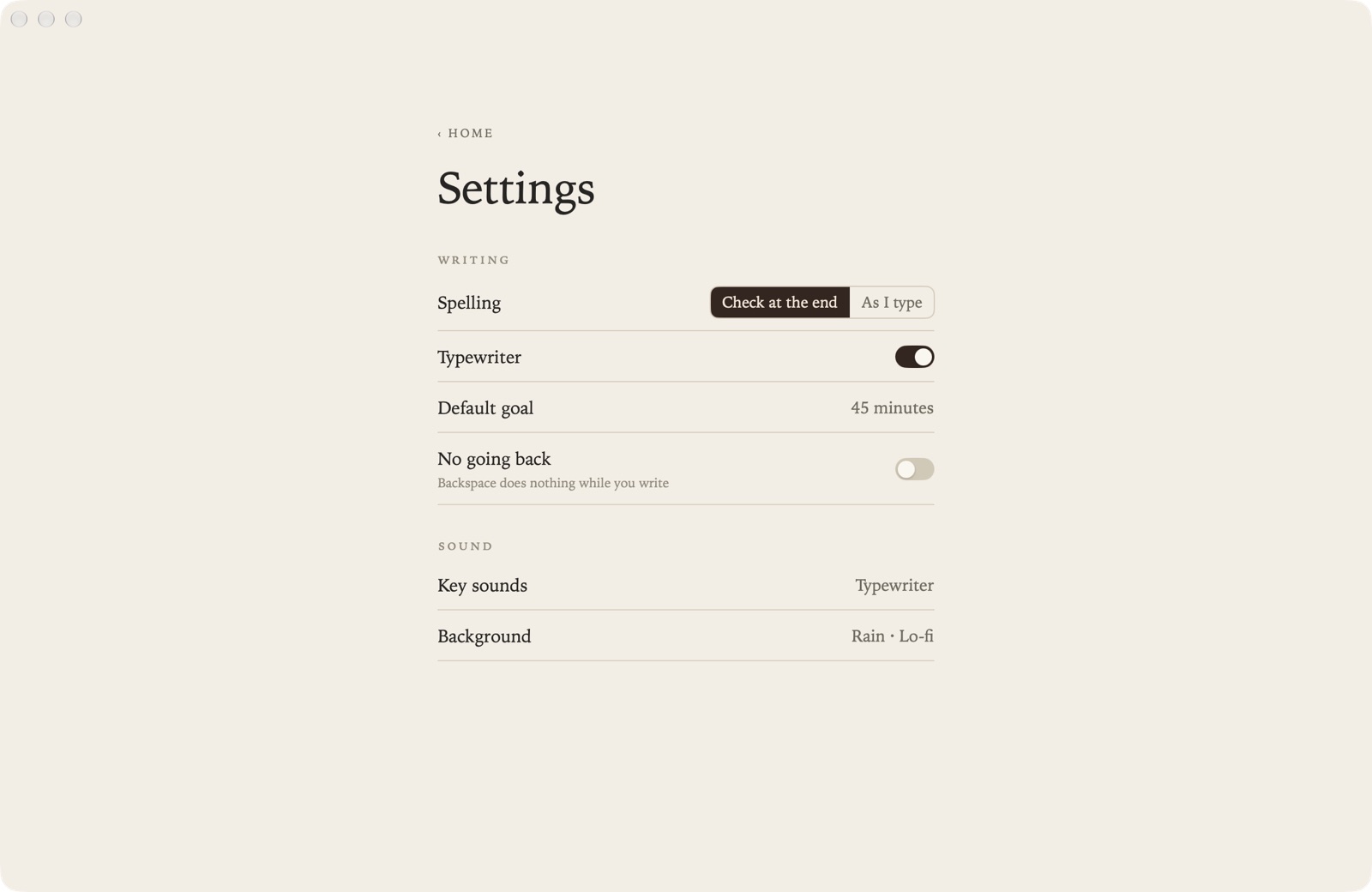
Every session is saved automatically and split into pages you can flip through. Search them, pick one up with Keep writing, check the spelling at the end, or export to Word, PDF, Markdown, RTF or plain text.

My pages: a list of writing sessions, each with a small clipboard, title, first line and page count
Yours, on your Mac

No account. No cloud.

Your words stay in a folder on your Mac. Cacao doesn't track you, has no ads and never sends your writing anywhere. The only thing it asks the internet is whether there's a new version. Privacy

Cacao settings on one page: spelling, typewriter, default goal, no going back, key sounds, background

Ready when you are.

Download for Mac — free Version 1.4 · macOS 14 or later · What's new